How Indian Businesses Can Reply to Google Reviews Effectively
27, Sep 2026
30
A useful reply to a customer review is short, specific and respectful. For an Indian shop, clinic, restaurant or service provider, it can answer a concern in public while showing future customers how the business handles feedback. Here is a practical process for managing Google Business Profile reviews without making promises you cannot keep.
Set up the basics
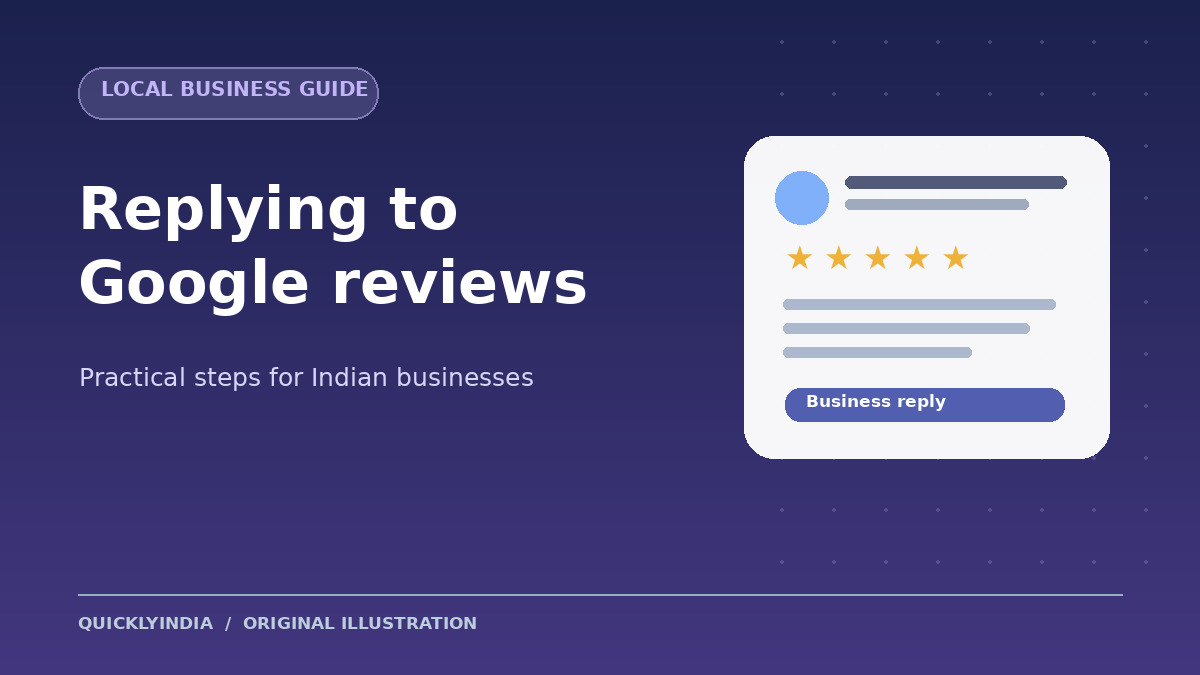
Google requires a verified Business Profile before a business can reply to reviews. Once verified, open the Business Profile, choose Read reviews, select Reply beside a review, write the response and submit it. Google reviews replies against its content policies before publishing them; the reply appears publicly as the business, and the reviewer may be notified.
Decide who on your team owns responses, how often they will check reviews, and how to escalate a complaint about a bill, booking, safety or service failure. A small business can start with a regular weekly check and respond sooner when a time-sensitive issue appears. Use a calm tone even if a review feels unfair.
Reply to praise without sounding automated
Thank the customer and refer to one relevant detail. For example: “Thank you for visiting our repair shop, Neha. We are glad the pickup time worked for you. We hope to see you again.” The name should be used only if the reviewer has shared it publicly. Avoid pasting the same sales message below every positive review.
Handle a negative review in two steps
First, acknowledge the experience without arguing about details in public. Second, offer a safe way to investigate. For example: “We are sorry your appointment started late. Please contact our team using the number on our profile with the visit date so we can look into it.” Do not disclose a customer's phone number, medical details, account information or booking history in a public reply. If the business made a mistake, explain the correction once it has actually happened.
Ask for honest feedback, and monitor patterns
Google lets businesses share a review request link or QR code. Ask customers for genuine feedback after a service, but do not offer a reward in exchange for a favourable review or a review change. If a review appears to breach Google's policies, use its reporting process; a critical review alone is not a policy violation.
Keep a simple record of repeated themes such as waiting time, unclear pricing or staff courtesy. Address the underlying service problem first, then write a helpful response. Review replies are part of customer care, not a substitute for fixing the issue.
A quick checklist before posting
- Does the reply address this specific review?
- Is every factual claim accurate and safe to share publicly?
- Does it offer a realistic next step where needed?
- Would the tone still seem professional to a prospective customer?
References: Google Business Profile Help: manage customer reviews; Google's guidance on writing review replies. Check the current interface and policies before changing a team workflow.
share Share now

 All Services
 Classifieds Ads
 Service Experts
 Jobs
 Explore Travel
 News & Magazines
 Products
 Blogs
 Community









 Support