Check the GSTIN on a Supplier’s Invoice Before Relying on It
25, Oct 2026
17
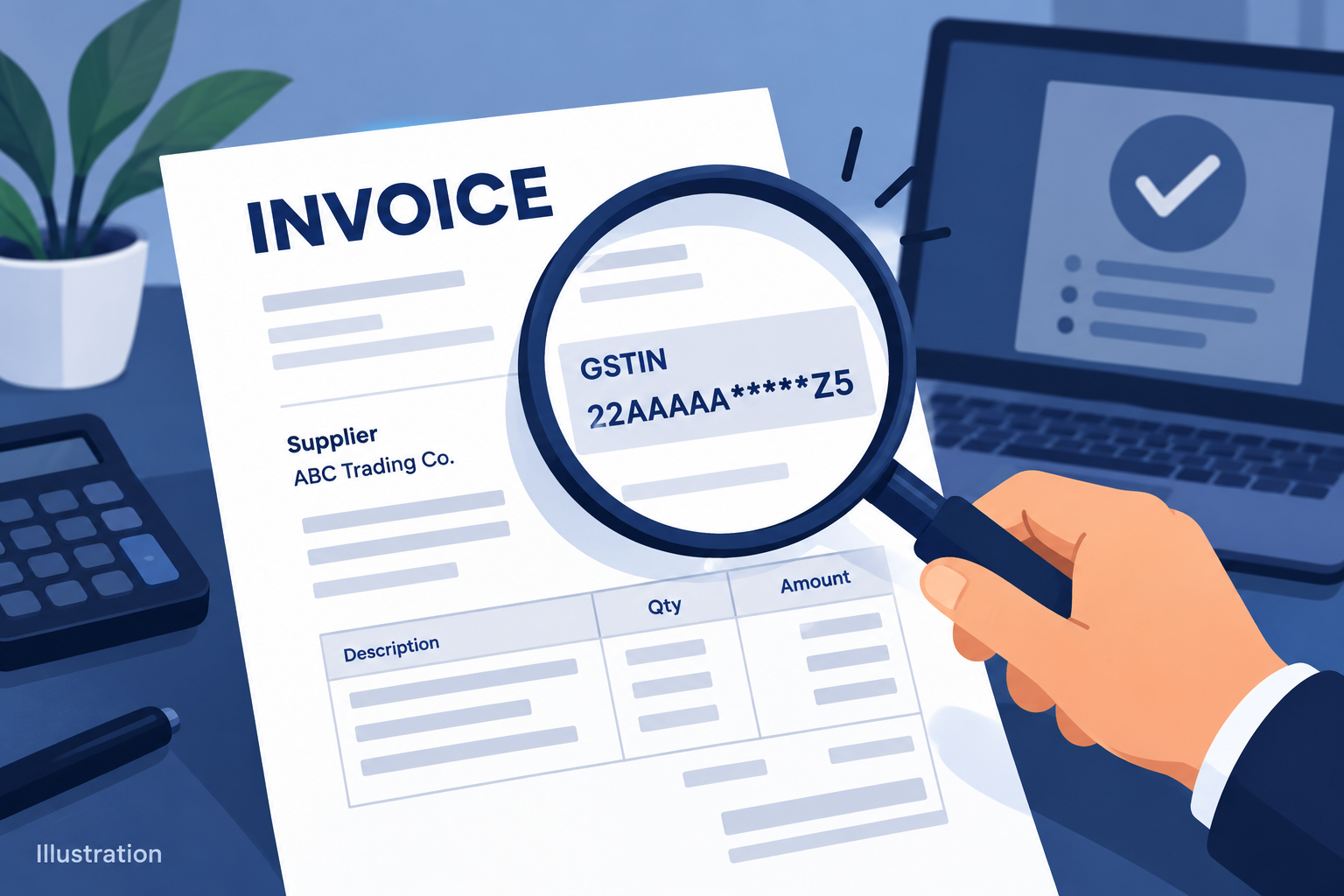
A GSTIN printed on an invoice is a reference you can verify. It should lead to the supplier record you expect, rather than merely look like a valid string of characters.
The GST portal’s taxpayer-search guidance describes a facility for viewing registration information, including the legal and trade names. Use the official service and compare the returned details with the invoice and the seller’s identity.
Start by checking for a transcription error. Then compare the name and registration information displayed. If the result does not match, ask the supplier for a written explanation and corrected document where appropriate before making a large or repeat purchase.
Keep the invoice date and a private record of what you checked. Registration status can be time-sensitive, so a screenshot from a different transaction or an earlier year may not answer the current question.
This is an identity and record check. It does not by itself establish that the goods were delivered, that every tax treatment is correct or that a buyer can claim input tax credit.
For a tax-credit or classification decision, use the applicable rules and qualified advice specific to the transaction. Do not treat a public lookup as a clearance certificate for the entire invoice.
Sources and reference date: 25 October 2026
Illustration of supplier invoice details being compared with a taxpayer record. Image: original illustration.
share Share now

 All Services
 Classifieds Ads
 Service Experts
 Jobs
 Explore Travel
 News & Magazines
 Products
 Blogs
 Community





















 Support