Passport Status Check: Use the File Number and Correct Application Type
25, Oct 2026
22
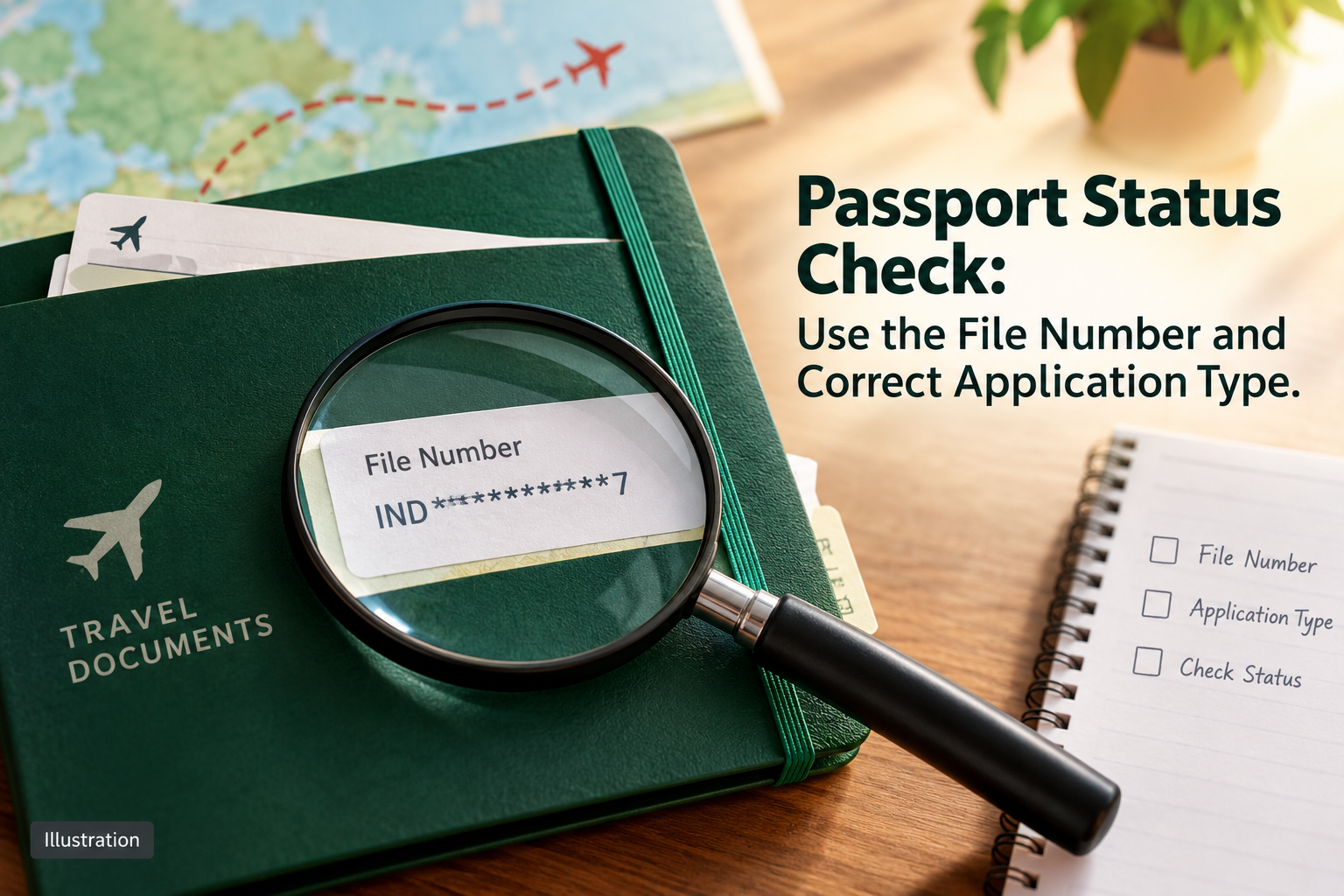
Before tracking a passport application, find the file reference on your acknowledgement. Entering an unrelated booking or payment reference can make an otherwise valid application difficult to locate.
Passport Seva’s official instructions cover status checks for passport applications and Police Clearance Certificate applications. They direct applicants to choose the application type and enter the file number and applicant’s date of birth.
Copy those details from your record, select the matching service and read the result without changing information to force a match. If there is an error, preserve the exact message and check the acknowledgement again.
Keep a private note of the status and the date checked. A stage in processing should not be described as confirmation that the document has been dispatched or delivered. Use the relevant official information when a separate dispatch or delivery question arises.
If clarification is needed, contact Passport Seva through its official support channels with your file reference. Keep identity details out of public comments and screenshots.
This guide concerns tracking an existing application. It does not promise faster processing, replace a police-verification requirement or establish a guaranteed issue date. Do not book an agent merely because someone claims a status check requires their intervention.
Sources and reference date: 23 October 2026
Illustration of a masked application reference being used to check passport status. Image: original illustration.
share Share now

 All Services
 Classifieds Ads
 Service Experts
 Jobs
 Explore Travel
 News & Magazines
 Products
 Blogs
 Community







































 Support