UPI Payment Problem: Save the Transaction Reference Before Reporting It
25, Oct 2026
53
If a UPI payment has an unexpected status, start with the transaction record. A screenshot of the amount alone may leave out the detail needed to trace the payment.
Save the transaction reference, date, amount, displayed status and the relevant app’s acknowledgement. Note the specific problem: a declined transfer, a debit that needs investigation, or a transaction you did not authorise. Do not combine different incidents into one vague complaint.
NPCI’s BHIM information describes reporting an issue from a declined transaction’s history. For other apps, follow the reporting option and instructions provided by that app or your bank.
NPCI’s complaint guidance says fraudulent, unidentified or unauthorised transactions should be raised with the respective bank. Treat that situation promptly rather than assuming it is an ordinary pending-payment query.
Keep the complaint reference and any written response. If the matter needs escalation, these records make the sequence easier to explain.
No support agent needs your UPI PIN to read an existing transaction reference. Use official support channels and keep authentication details private. This guide does not promise a fixed reversal time: that depends on the type of transaction and applicable process.
Sources and reference date: 23 October 2026
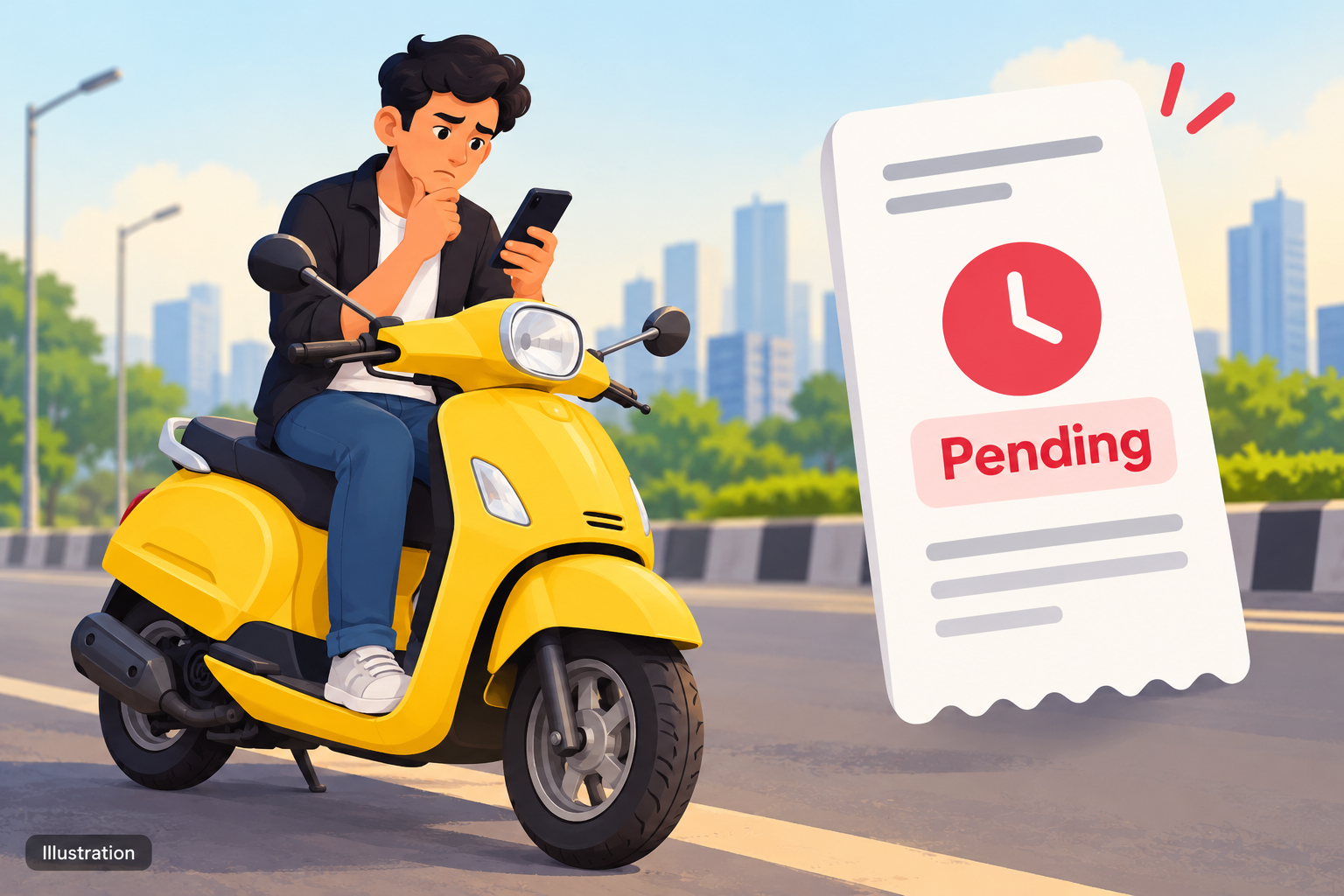
Illustration of a UPI transaction reference being saved for a complaint. Image: original illustration.
share Share now

 All Services
 Classifieds Ads
 Service Experts
 Jobs
 Explore Travel
 News & Magazines
 Products
 Blogs
 Community













































 Support